SEO Articles
Turn priority non-brand keywords into researched, search-ready articles.
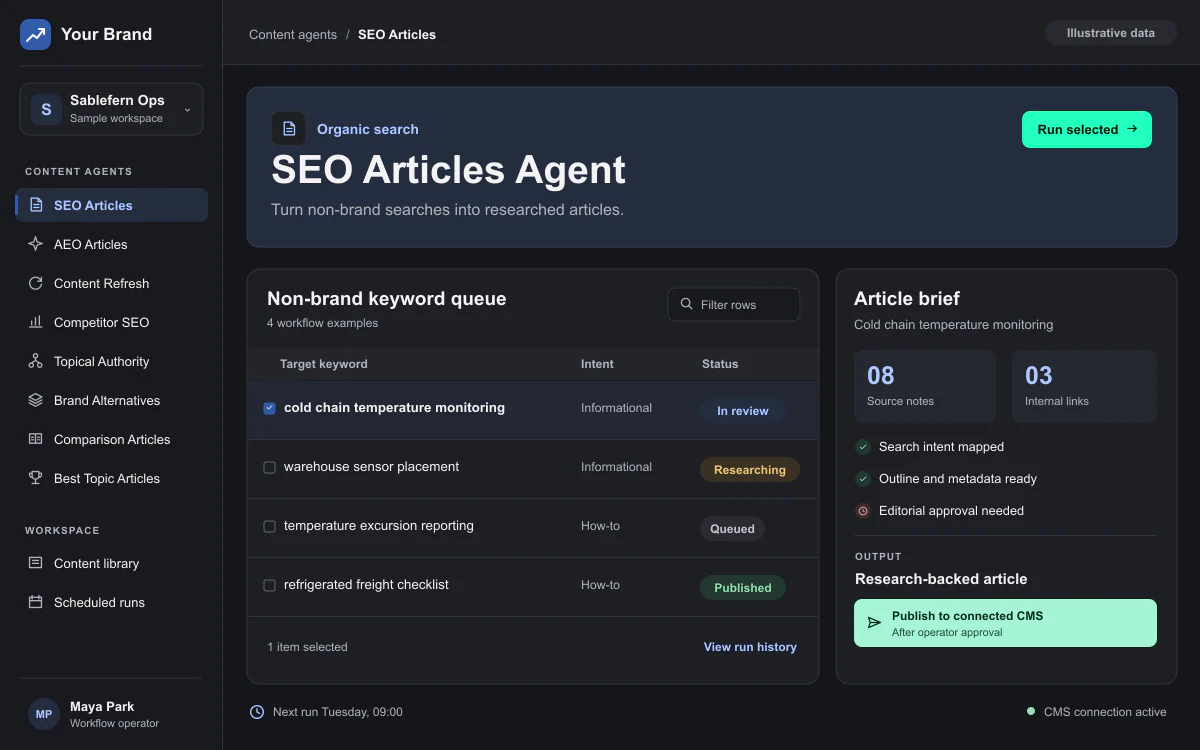 View solution for SEO Articles (opens in a new tab)

Modern SEO & AEO engineering starts with a custom AI workspace preloaded with your non-brand keywords, buyer prompts, and business knowledge. Find gaps competitors miss, publish faster, and give AI engines more reasons to cite you.
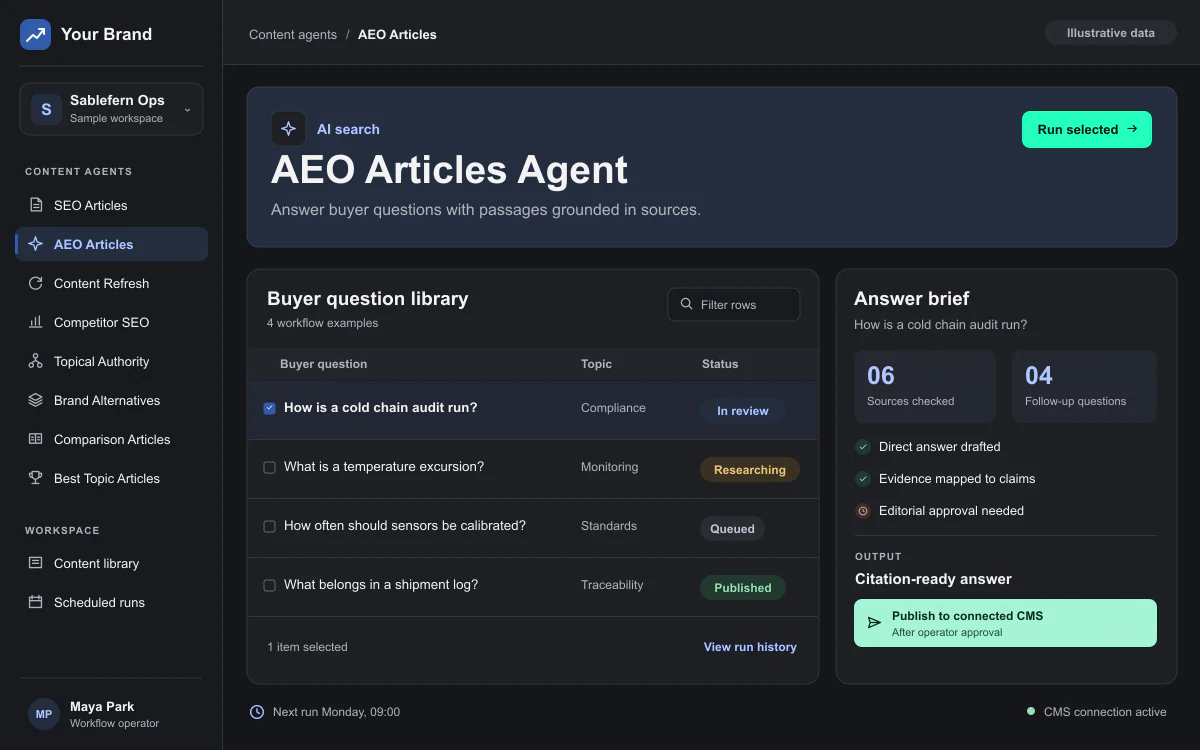
Create, refresh, and publish content designed to earn organic discovery, answer buyer questions, and give AI engines clear sources to cite.
Turn priority non-brand keywords into researched, search-ready articles.
View solution for SEO Articles (opens in a new tab)Answer real buyer questions with structured, source-backed content.
View solution for AEO Articles (opens in a new tab)Update existing pages with current evidence and better coverage.
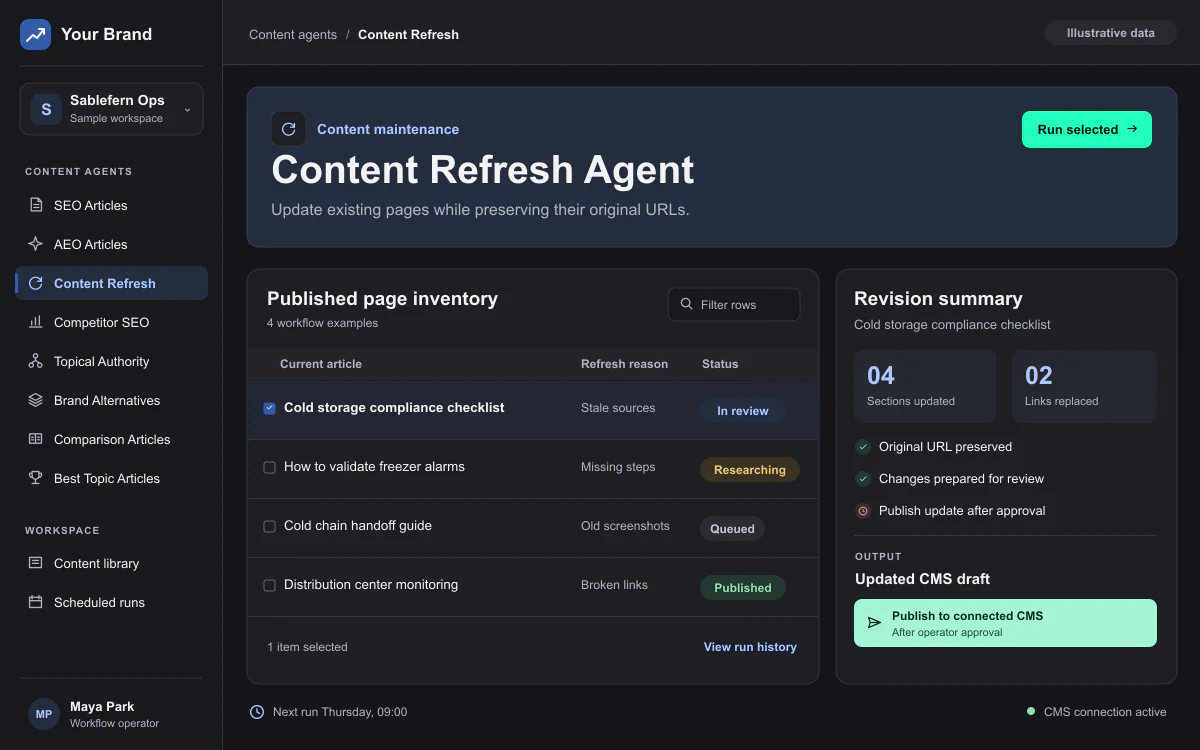 View solution for Content Refresh (opens in a new tab)
Find relevant gaps in competing pages and build original content to address them.
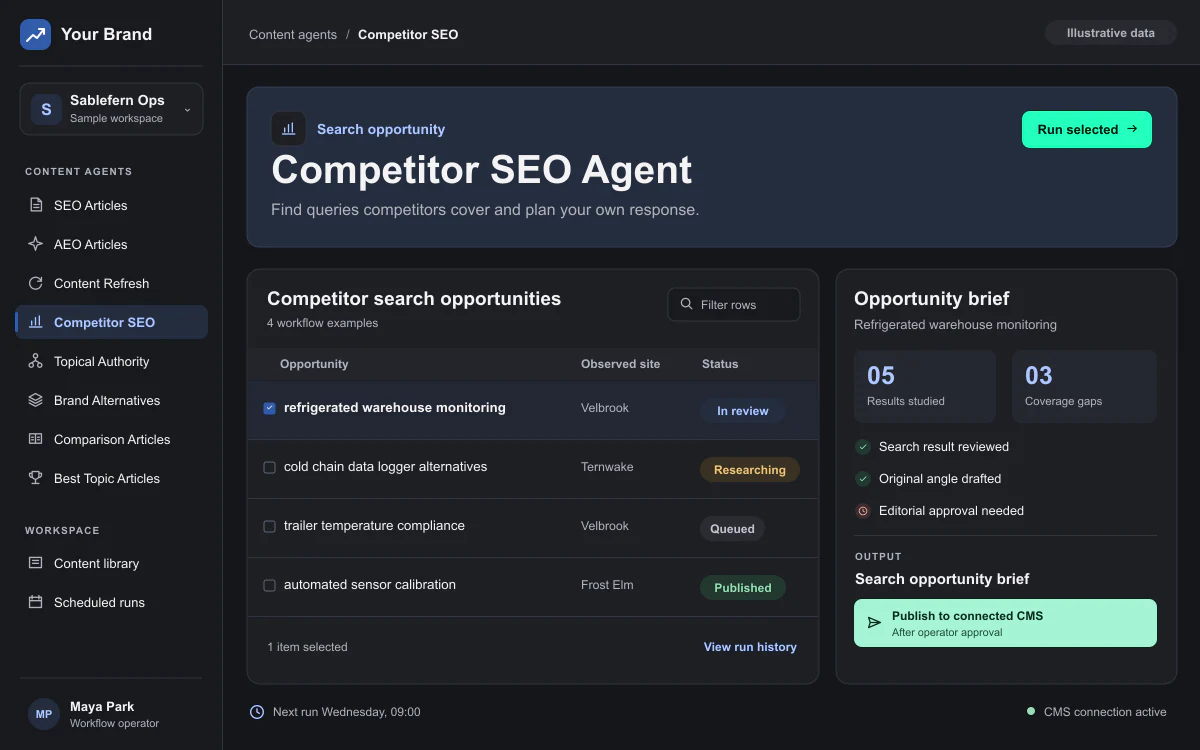 View solution for Competitor SEO (opens in a new tab)
Build connected pillar and supporting pages around the topics you want to own.
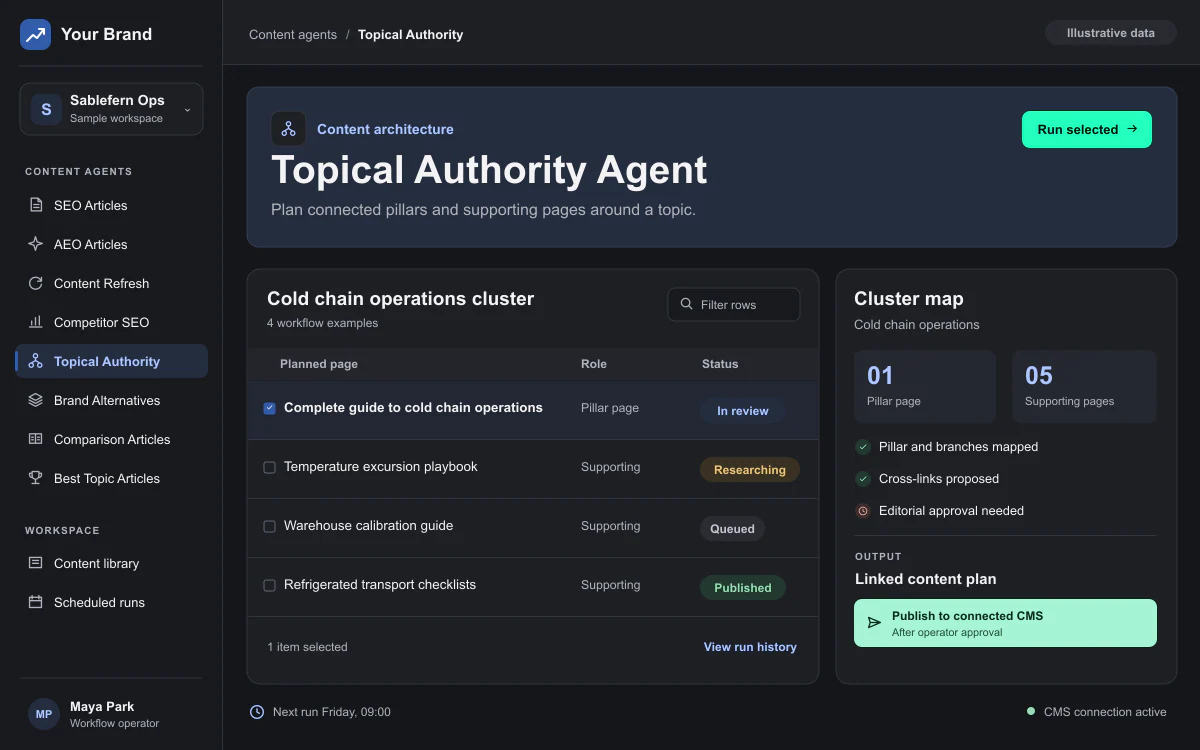 View solution for Topical Authority (opens in a new tab)
Publish evidence-backed alternatives guides that explain who each option serves.
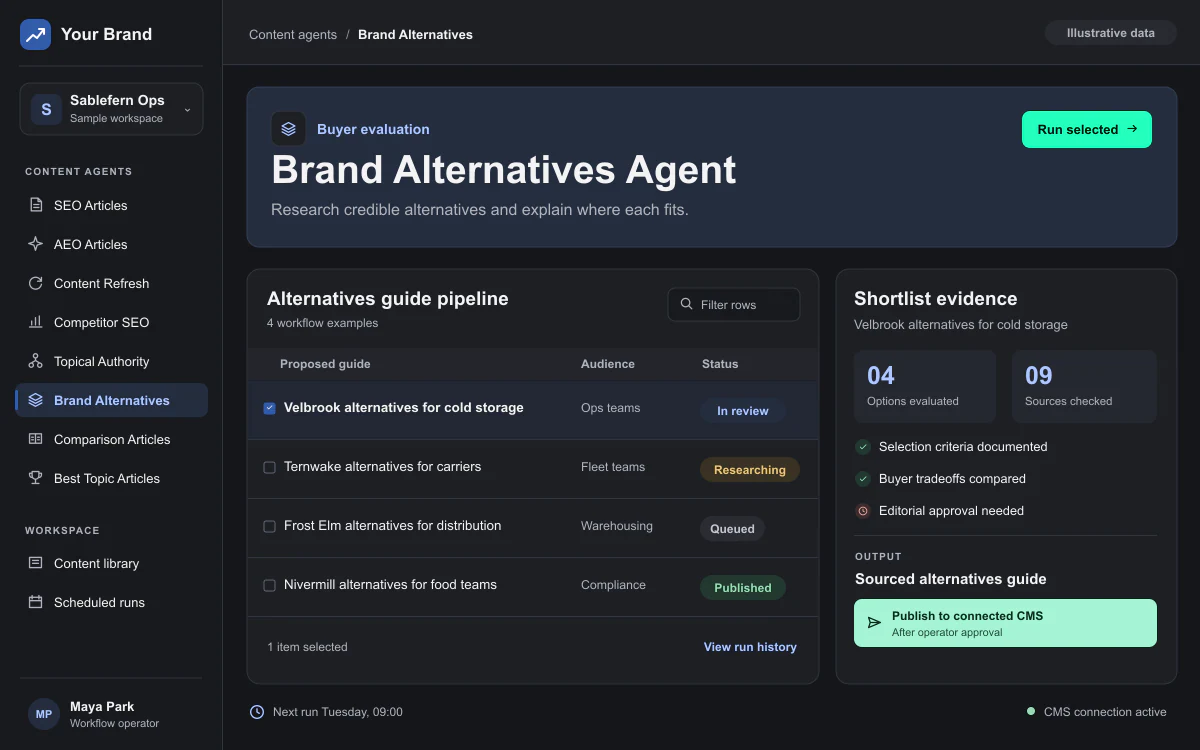 View solution for Brand Alternatives (opens in a new tab)
Build balanced head-to-head pages with verifiable claims and decision criteria.
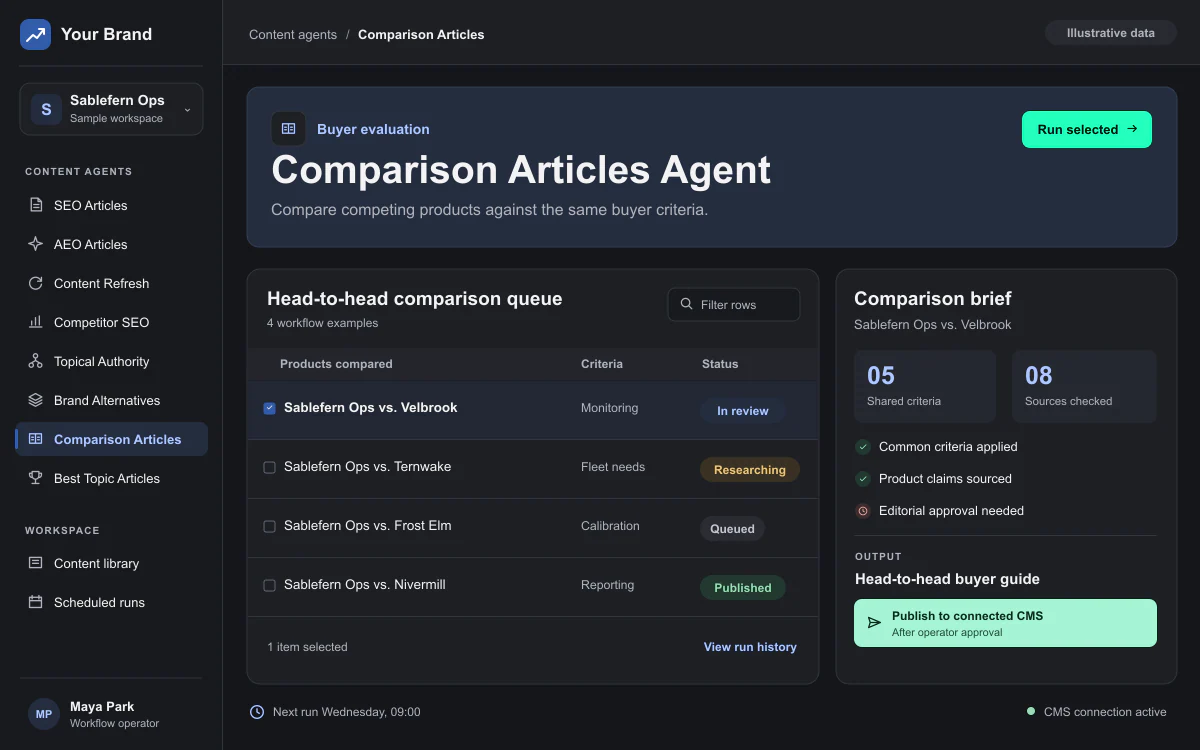 View solution for Comparison Articles (opens in a new tab)
Create high-intent buying guides with sourced shortlists and buyer-fit recommendations.
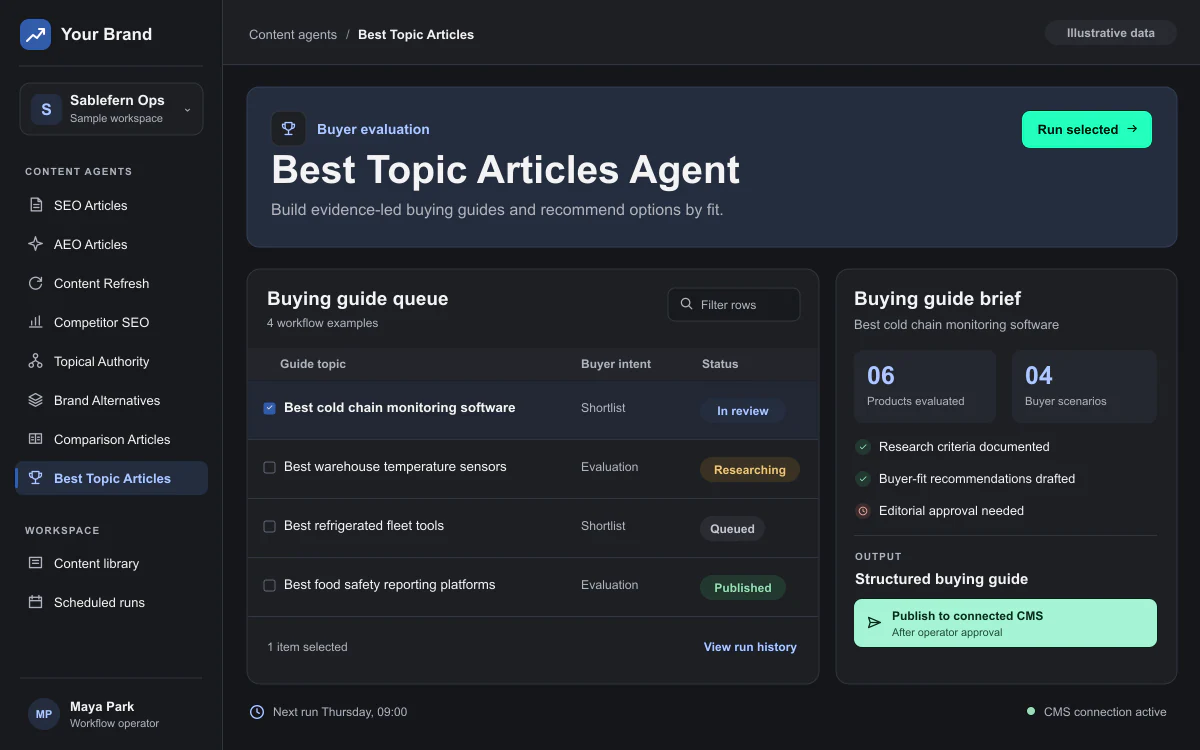 View solution for Best Topic Articles (opens in a new tab)
A team of 3–5 can spend days moving one article through research, writing, editing, design, and CMS prep. Your pipeline brings that work into one scheduled run.
We load your non-brand keywords, buyer questions, prompts, product knowledge, and editorial rules into your workspace.
Codex starts the agents on your schedule. They research the topic, draft the article, generate visuals and narration, and prepare it for your CMS.
One operator checks the draft and any flagged items. Approved content can publish automatically to the CMS you choose with the right fields, metadata, links, and URL rules.
If a source fails validation, the agents can find a replacement and revise the draft. They can retry failed visuals and resume interrupted runs from saved work.
When a run exposes a software bug, Codex traces the failed step, writes and tests a fix, and puts it through your release checks. Once the fix is deployed, the workflow picks up the same article.
See what goes into a review-ready article, from the opening answer to the final call to action.
Listen to articleNarrate the article with Gemini TTS.
Look for continuous readings, alerts your team can act on, and a temperature history you can export. Ask what happens when a sensor goes offline.
Answer-first copyAnswer the buyer’s question up front.

Nano Banana imagesGenerate original visuals for the article’s topic.
Key takeawaysGive readers the main points in a short, scannable list.
| Feature | What to check |
|---|---|
| Alerts | Can you route alerts by zone and shift? |
| Reports | Can you export readings for a specific period? |
Comparison tablesPut evaluation criteria side by side.
Use the vendor checklist above to compare reporting. GS1’s EPCIS guidance describes recording readings on a schedule or when temperatures cross a threshold.
Dynamic internal and external linksLink to relevant pages and cite primary sources in context.
Look for a separate offline alert so your team can distinguish a missing reading from a temperature change.
Review the vendor checklistFAQs and calls to actionAnswer a common follow-up and give the reader a next step.
Bring a workflow you want to improve. We’ll show you how it could run with your inputs, rules, and systems.